
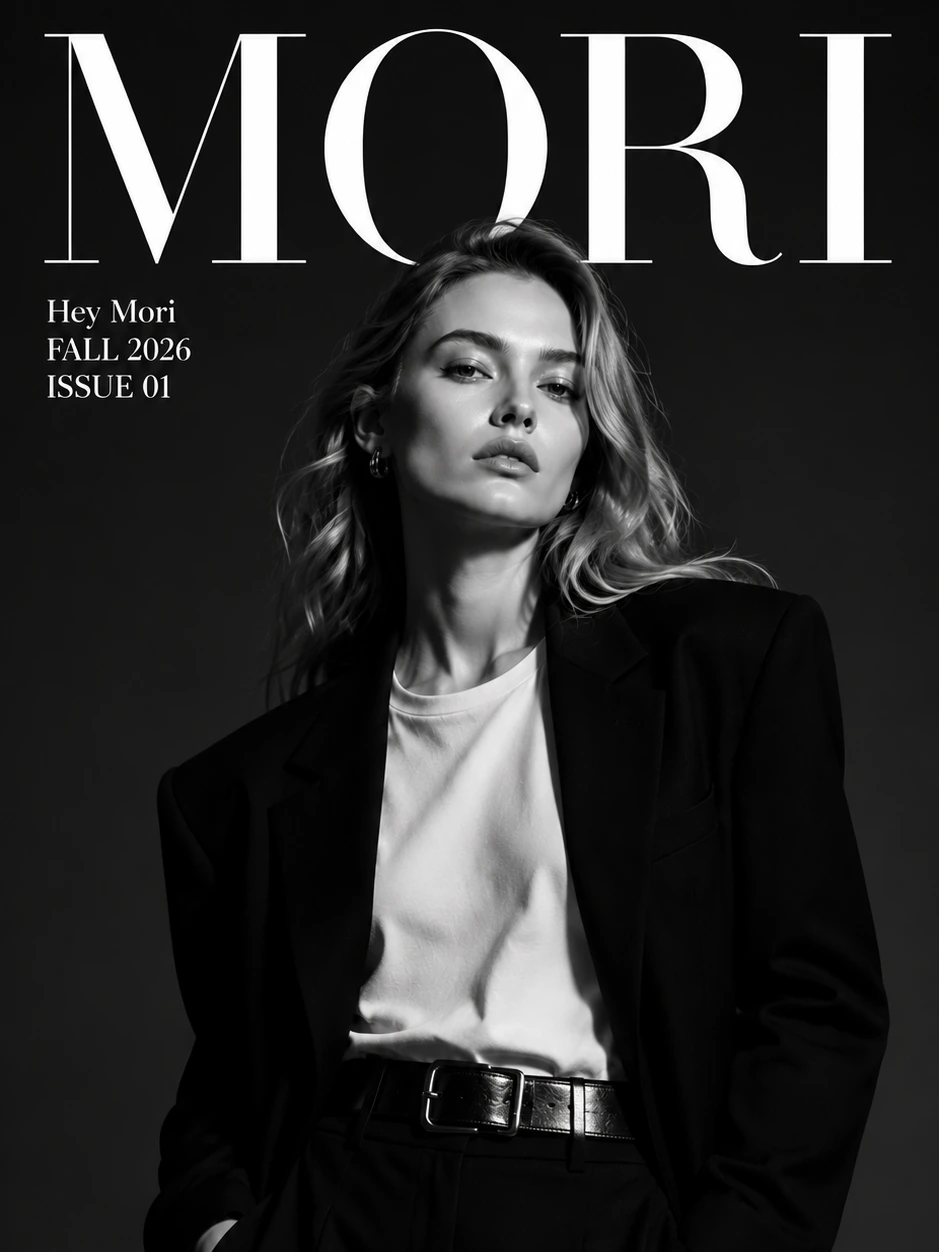
Recreate a winning creative structure
Users often have a high-performing reference and want a new asset that follows the same visual logic for their own product.
 Hey MoriBack to home
Viral clone
Reference composition, mood, and selling-point structure from high-performing visuals, then generate new assets for your own product.
Popular searches
AI ad creative generatorAI viral image cloneviral ad creative generatorecommerce ad creative generatorproduct ad image generatorAI marketing creative generatorOverview
Reference composition, mood, and selling-point structure from high-performing visuals, then generate new assets for your own product.
Users often have a high-performing reference and want a new asset that follows the same visual logic for their own product.
Performance marketers search for AI creative tools when they need more visual angles before testing ads.
The intent is usually to learn from composition, hook, mood, and selling-point structure while creating a new brand-safe output.
Teams want to quickly compare hooks, backgrounds, props, colors, and layouts around the same product.
Use cases
Explore visual directions based on high-performing creative structures.
Create new ecommerce images around your own product and brand.
Test campaign variations before committing design resources.
Translate a proven composition into a fresh product asset.
Turn a competitor-style reference into an original product concept for internal testing.
Create multiple ad-image directions from one product and one reference theme.
Outputs
Each page focuses on concrete creative outputs that match how ecommerce teams search, produce, test, and publish assets.
New creative assets that use a reference for composition and mood while centering your own product.
Different first-frame concepts for testing angle, product benefit, scene, or campaign message.
Original visuals shaped by a current creative pattern without directly copying another asset.
Several visual routes that help a team decide which creative direction deserves production budget.
Workflow
Upload or describe the visual structure, composition, or campaign direction you want to learn from.
Provide the product reference and brand context so the output is generated around your own SKU.
Clarify whether to preserve the composition, mood, hook, color feel, product angle, or selling-point structure.
Create fresh visual options that use the reference as direction rather than a copied asset.
Prompt ideas
These examples are written around real user intent: the input they have, the platform they care about, and the asset they need next.
Use this reference only for composition and lighting. Generate a new ecommerce ad image around my product with a premium clean style.
Create three product ad image concepts using the same bold first-frame structure, each with a different benefit angle.
Adapt the mood and pacing of this viral visual into an original product image for a skincare launch, brand-safe and not copied.
Use my existing product photo and create a fresher social ad visual with stronger contrast, clearer product focus, and less clutter.
It means using the structure, mood, or selling-point pattern of a successful creative as direction for a new image around your own product.
No. The workflow is intended to create new outputs around your product while using the reference as composition and campaign guidance.
Use it when you already have a clear reference structure. Use the general image tool when you are exploring from scratch.
Yes. It is useful when you need several product creative directions quickly before deciding what to test in paid social or ecommerce campaigns.
Use a reference that clearly shows the composition, product angle, mood, or hook you want to learn from. The output should still be generated around your own product.