
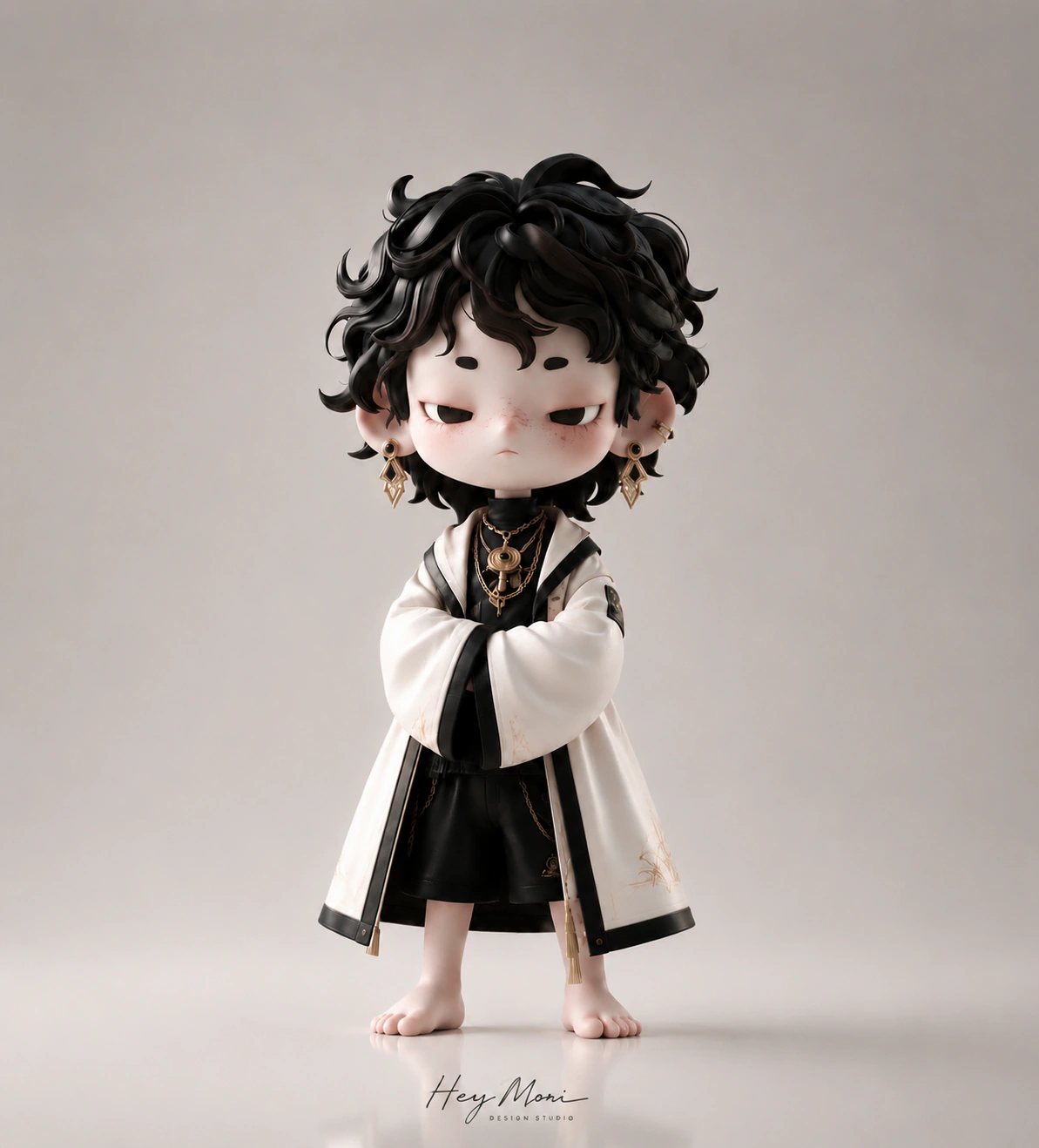
Remove the background from a product photo
Users usually have an existing product image and need a clean subject for listings, composites, or design assets.
 Hey MoriBack to home
AI smart cutout
Upload product images and generate cutout results for white-background listings, creative composites, and detail-page design.
Popular searches
AI background removerproduct background removerremove background from product photosbackground remover for product photosecommerce background removerAI smart cutoutOverview
Upload product images and generate cutout results for white-background listings, creative composites, and detail-page design.
Users usually have an existing product image and need a clean subject for listings, composites, or design assets.
Marketplace sellers often search for background removal because they need clean, consistent product photos.
The hard part is keeping details such as hair, transparent materials, jewelry, straps, or natural shadows looking clean.
Cutouts are often the first step before generating hero images, detail graphics, ads, or lifestyle scenes.
Use cases
Remove backgrounds from product photos for ecommerce listings.
Create cleaner product cutouts for white-background images.
Prepare transparent product assets for detail pages and composites.
Clean up product subjects before generating new hero images.
Turn messy supplier photos into cleaner assets for catalog and marketplace work.
Prepare transparent PNG-style product subjects for ads, product pages, and creative templates.
Outputs
Each page focuses on concrete creative outputs that match how ecommerce teams search, produce, test, and publish assets.
Product subjects separated from the original background for reuse in listings and designs.
Simple product photos that are easier to use for marketplaces, catalogs, and clean storefront sections.
Subject-first outputs that can be placed into new backgrounds, detail-page visuals, and campaign graphics.
Cleaner product references that improve later product image generation or composite workflows.
Workflow
Add the image that needs background removal or subject cleanup.
Describe whether shadows, edges, transparent output, or white-background usage matters.
Decide whether the cutout will be used as a white-background image, transparent asset, or input for a new scene.
Generate a clean product subject that can be reused in listings, composites, or product image workflows.
Prompt ideas
These examples are written around real user intent: the input they have, the platform they care about, and the asset they need next.
Remove the background from this product photo and create a clean white-background result with natural shadow.
Cut out the product subject, preserve edge details and shape, remove background clutter, keep the subject ready for design.
Remove the background while preserving fine chain details, reflective edges, and realistic contact shadow.
Clean up the product subject so it can be reused in a new lifestyle product image without the old background.
It detects the product subject and removes the surrounding background so the image can be reused for listings and design work.
Yes. Background removal is commonly used to prepare clean product images for white-background listings.
Use cutout when the existing photo is good but the background needs cleanup. Use product image generation when you need a new scene or hero image.
Transparent objects, shiny surfaces, thin chains, hair, fabric edges, and strong shadows usually need more careful cleanup instructions.
Cleaner product images can improve listing quality, user experience, and marketplace readiness. The SEO page targets background-removal intent while the generated assets support better product presentation.