
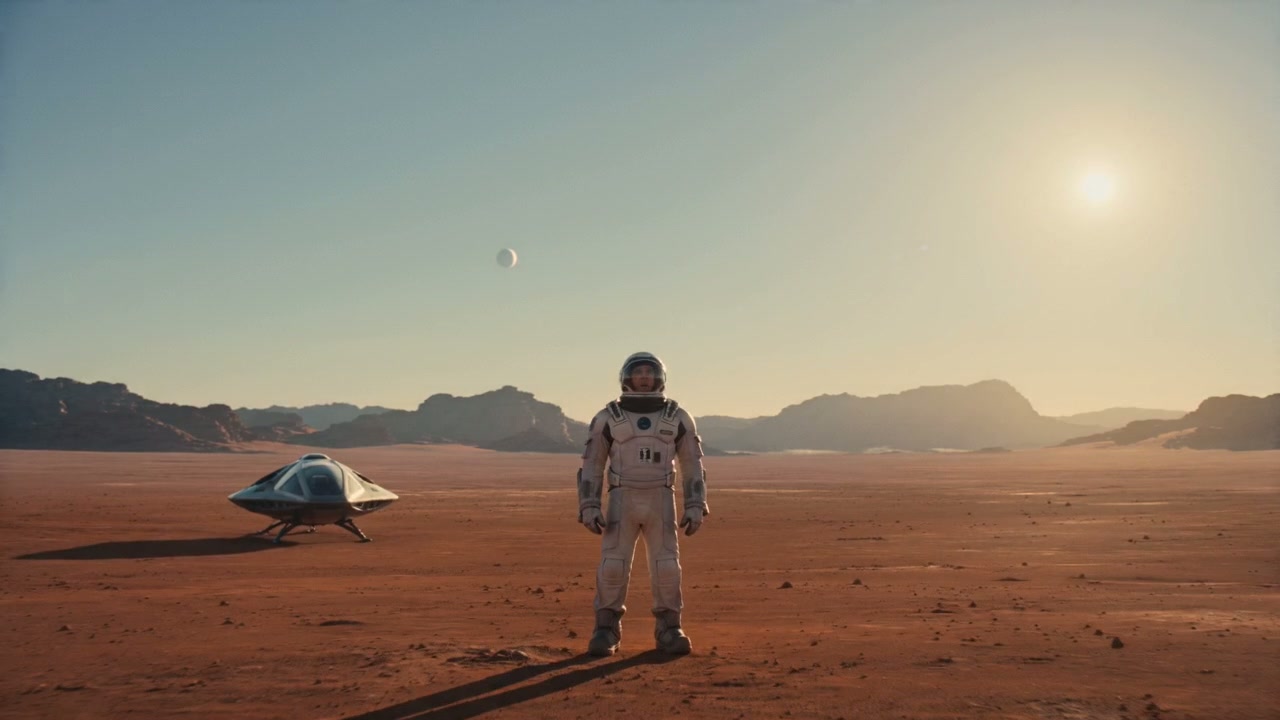
Generate a video ad from a campaign idea
Describe the hook, scene, camera movement, and product benefit to create a short ad concept without editing from scratch.
 Hey MoriBack to home
AI video ad generator
Turn product images, reference media, and campaign prompts into short video ads for social tests, launches, and creative iteration.
Popular searches
video ad makerAI video ad generatorAI video adsvideo ad generatorimage to video ad makerAI advertising video generatorOverview
Turn product images, reference media, and campaign prompts into short video ads for social tests, launches, and creative iteration.
Describe the hook, scene, camera movement, and product benefit to create a short ad concept without editing from scratch.
Image-to-video searches usually come from users who already have a visual and want motion, depth, or a short animated clip.
Marketing users search for AI video tools to test ideas before investing in a full production or editing workflow.
Generated clips need to stay connected with source images, prompts, and references so useful results can be reused.
Use cases
Turn still images into short AI videos for creative exploration.
Generate motion concepts for campaigns, social posts, and product ideas.
Use image, video, or audio references to guide a video direction.
Keep generated videos together with the source images and prompts.
Create vertical clips for social tests before editing a full campaign.
Explore camera motion, lighting, and scene pacing for a visual idea.
Outputs
Each page focuses on concrete creative outputs that match how ecommerce teams search, produce, test, and publish assets.
Short clips generated from a still image with motion, camera direction, and scene notes.
Video ideas created from a written prompt for creative testing, mood exploration, or campaign planning.
Vertical or square clips that can support organic posts, creative tests, and paid social drafts.
Clips guided by image, video, or audio references when the desired style is easier to show than describe.
Workflow
Start from a prompt, upload reference images, or add media that guides the video result.
Describe the motion, scene, camera feel, and intended output so the generation stays focused.
Choose whether the clip is for social, product exploration, campaign testing, or internal creative review.
Create short AI videos, compare results, and keep useful outputs in your workspace history.
Prompt ideas
These examples are written around real user intent: the input they have, the platform they care about, and the asset they need next.
Animate this product image with a slow push-in, soft studio light, subtle background movement, and premium commercial pacing.
Create a 6-second cinematic clip of a new wellness product on a clean bathroom counter, morning light, calm camera movement.
Generate a vertical short video for a product teaser, clear subject, quick reveal, energetic motion, and space for captions.
Make three versions of the same scene with different camera motion: orbit, top-down reveal, and close-up detail.
An AI video ad generator creates short advertising videos from prompts, product images, and reference media. Hey Mori keeps those inputs and outputs together in one workspace.
Yes. The video workspace supports image-to-video creation for creative clips, product ideas, and campaign assets.
Yes. Keep the same product or source image and vary the hook, camera direction, pacing, scene, or offer to explore multiple video ad directions.
Yes. Users who already have a still image can use the video workspace to describe motion, camera direction, and output context.
A useful prompt should include the subject, scene, motion, camera direction, lighting, duration, and where the video will be used.